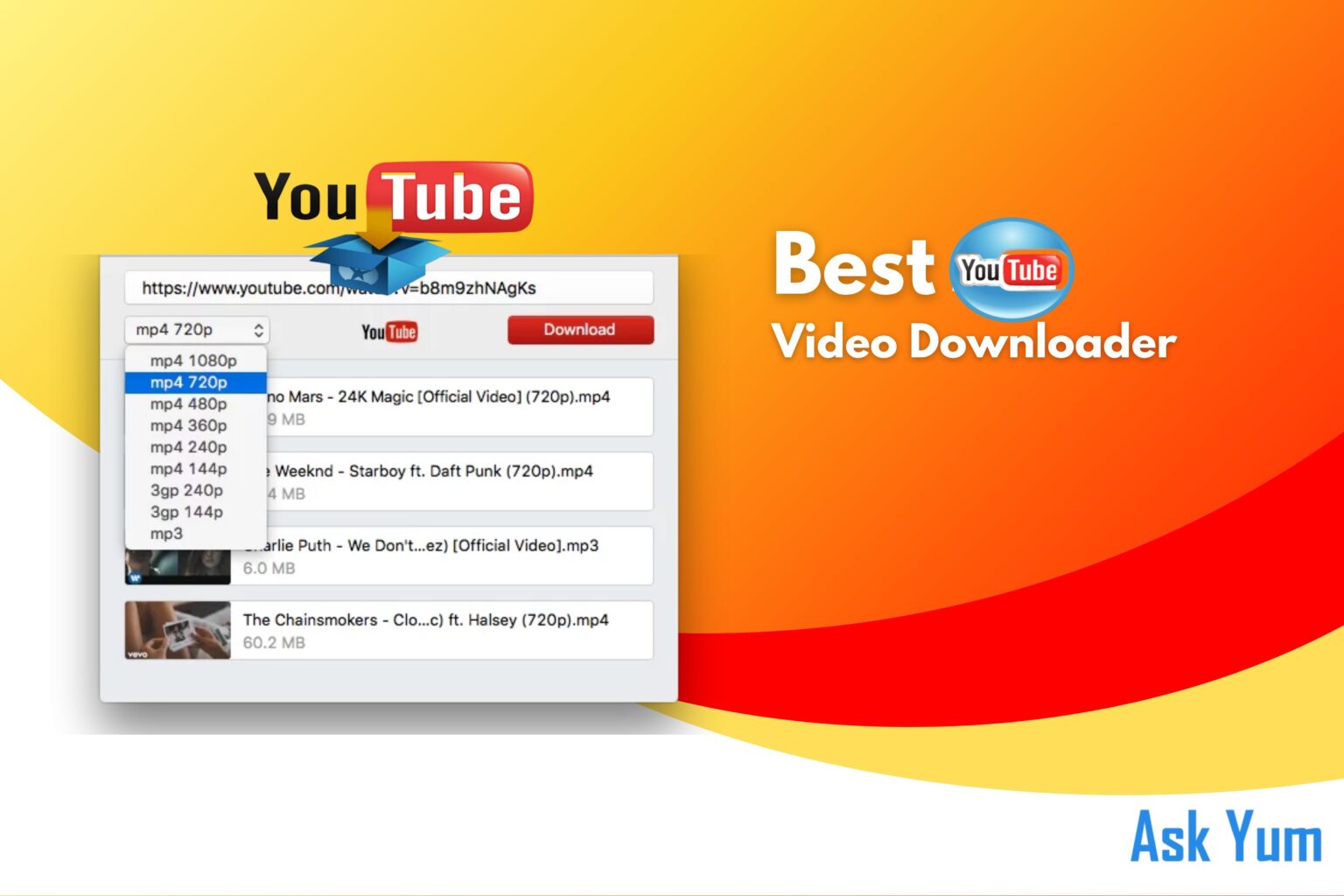
Always wanted to save a YouTube video for viewing offline? A trustworthy YouTube video downloader can be useful for personal use, enjoyment, or learning. This article will review the top YouTube video downloaders available in 2025 and their pros and cons. Let’s dive in! 🚀
- Best YouTube Video Downloaders
- How to Download YouTube Videos in 2024?
- Which App Is Best for YouTube Video Download?
- Which Website Is Best to Download YouTube Videos?
- What Is the Best Video Downloader for YouTube?
- Best YouTube Video Downloaders for Android
- Best YouTube Video Downloaders for PC
- Conclusion
- FAQs
Best YouTube Video Downloaders
Here are some of the top-rated YouTube video downloaders you can use:
| Downloader | Platform | Key Features | Pros | Cons |
| Snaptube 📱 | Android | Free video and audio download, multiple resolutions | Easy to use, supports various sites | Not available on Play Store ❌ |
| 4K Video Downloader 🎞️ | Windows, Mac | High-quality video download, subtitles support | User-friendly, 4K support | Limited features in free version ⚠️ |
| Dentex YouTube Downloader 🔄 | Android | Fast, direct downloads | Simple UI, no ads | Not available on Play Store ❌ |
| SnapDownloader ⚡ | Windows, Mac | Fast downloads, 8K resolution support | Multiple formats, easy to use | Paid software 💰 |
| Videoder 🎬 | Android, Windows | Download from multiple sites, batch downloads | Free, high-quality downloads | Contains ads 📢 |
| ClipGrab ✂️ | Windows, Mac, Linux | Simple and lightweight | Free, no ads | Limited format support 🛑 |
| Freemake Video Downloader 📥 | Windows | Download playlists, multiple formats | Free version available | Watermark in free version ⚠️ |
| InsTube 🔐 | Android | Secure, fast video downloads | Free, multiple resolutions | Not on Play Store ❌ |
| Any Video Converter 🔄 | Windows, Mac | Video conversion and download | Multiple formats | Some features require payment 💰 |
| aTube Catcher 🎥 | Windows | Screen recording, video conversion | Free, all-in-one tool | Dated interface 🏚️ |
| NewPipe 🔓 | Android | Open-source, ad-free | Lightweight, privacy-focused | No built-in YouTube login 🔑 |
| ByClick Downloader ⏬ | Windows | One-click downloads, high-speed | Simple UI, supports various sites | Limited features in free version ⚠️ |
| iTubeGo 🎵 | Windows, Mac, Android | HD/4K downloads, batch processing | Supports multiple sites | Paid software 💰 |
| Video Downloader 🎞️ | Android | Supports many websites | Free, easy to use | Ads present 📢 |
| Airy 💨 | Mac, Windows | Simple YouTube downloader | High-resolution support | Paid software 💰 |
| FreeTube 🆓 | Windows, Mac, Linux | Open-source, privacy-focused | No ads, secure | Limited features ⚠️ |
| SaveFrom 🌐 | Web-based | Quick, easy downloads | No installation required | Limited resolution support 🛑 |
| VidMate 🚀 | Android | Fast downloads, multiple sites | Free, easy to use | Contains ads 📢 |
| Easy Downloader 👌 | Android | Basic, simple downloader | Free, supports multiple sites | Ads present 📢 |
How to Download YouTube Videos in 2024?
Downloading YouTube videos is simple if you follow these steps:
- Choose a YouTube Downloader – Pick one from the list above. ✅
- Copy the Video URL – Open YouTube, find the video, and copy the link. 🔗
- Paste the URL – Open the downloader and paste the copied link. 📋
- Select Format & Quality – Choose MP4, MP3, or other formats and select resolution. 🎞️
- Download & Save – Click the download button and wait for the process to complete. 💾
⚠️ Note: Downloading copyrighted content without permission is illegal in many regions. Use these tools responsibly. 🚨
Which App Is Best for YouTube Video Download?
The best app depends on your needs:
- Best for Android: Snaptube, Videoder, InsTube 📲
- Best for PC/Mac: 4K Video Downloader, SnapDownloader, Any Video Converter 💻
- Best Free Option: NewPipe, FreeTube, SaveFrom 🆓
- Best for High Quality (4K/8K): SnapDownloader, iTubeGo, 4K Video Downloader 🎥
Which Website Is Best to Download YouTube Videos?
If you don’t want to install software, try these web-based options:
- SaveFrom.net – Simple and easy 🏆
- ClipConverter.cc – Multiple formats 🔄
- Y2Mate – Fast and free ⏩
- KeepVid – Supports various sites 🔗
What Is the Best Video Downloader for YouTube?
For overall performance, 4K Video Downloader and SnapDownloader stand out. They support high-quality downloads, subtitles, and batch processing. 🎞️
Best YouTube Video Downloaders for Android
- Snaptube – Fast and free ⚡
- Videoder – Batch downloads 🎥
- InsTube – Secure and private 🔐
- NewPipe – Open-source, ad-free 🆓
- VidMate – Multiple site support 🌍
Best YouTube Video Downloaders for PC
- 4K Video Downloader – High-quality, subtitles support 🎞️
- SnapDownloader – 8K resolution, fast speed 🚀
- Any Video Converter – Video conversion and downloads 🔄
- Freemake Video Downloader – Free, but with limitations ⚠️
- ByClick Downloader – Simple UI, efficient ⏬
Conclusion
The Best YouTube video downloaders will depend on your requirements. Try Snaptube or NewPipe for a basic and free choice. Choose 4K Video Downloader or SnapDownloader for premium downloads. Respect copyright rules and always use such tools carefully.
Which downloader do you use? Let us know in the comments! 💬
FAQs
What is the safest YouTube downloader?
Get videos from YouTube with MediaHuman, it is well-known for being both secure and user-friendly. Among its many appealing features is the option to save entire channels and playlists.
Is it OK to use YouTube Downloader?
Downloading videos from YouTube using any kind of third-party service is expressly forbidden under YouTube’s terms of service.
Is using VidMate safe?
VidMate really highlights the risks that come with downloading software from places apart from the official Android Play Store.